

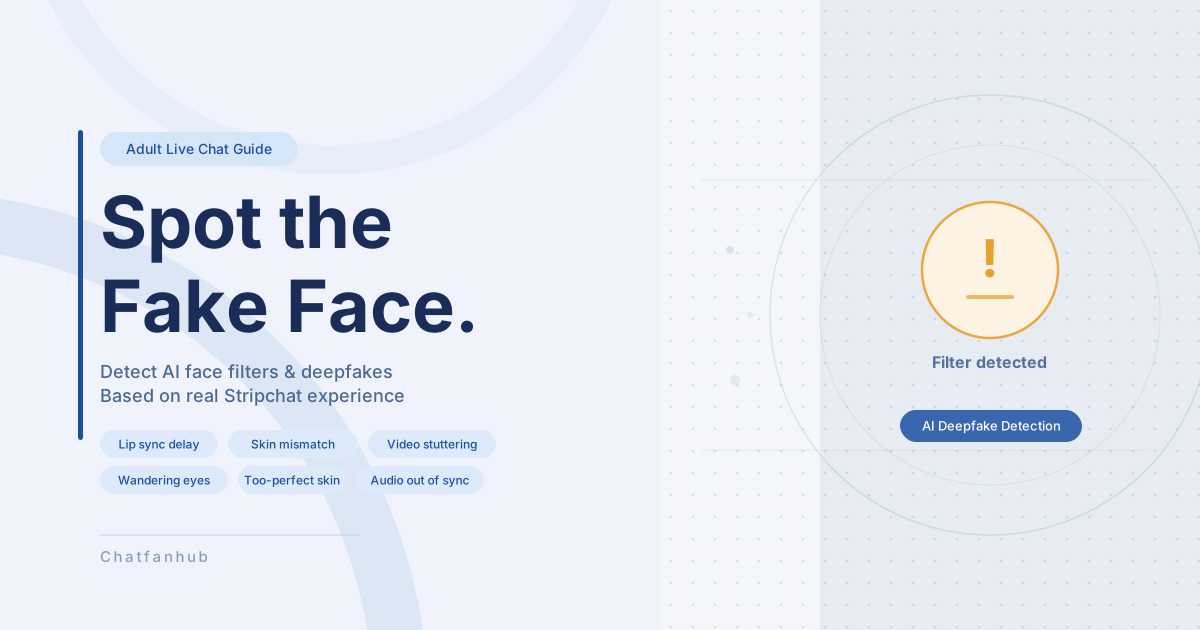
If you’ve ever watched a stream on Stripchat or another adult live chat platform and thought “something looks off about that face,” your instincts may be right. AI-powered real-time face filters and deepfake technology are improving every year, and some models use them during live streams.
We confirmed with a Japanese model who streams without filters that face filter use among models is real. Spotting them is getting harder, but there are signs to watch for.
→ New to Stripchat? Check out our Complete Stripchat Guide.
Why Do Models Use Filters?
- Privacy: Streaming without showing their real face
- Appearance: Smoother skin, larger eyes, slimmer face
- Impersonation: Using a completely different person’s face (full deepfake)
Some models use filters purely for privacy reasons. But wanting to see the real person is completely natural.
Types of Filters
- Eyes only
-
Enlarging eyes or changing iris color. Hard to notice.
- Mouth only
-
Reshaping or recoloring lips. Can cause audio sync issues.
- Full face beauty filter
-
The most common type. Smooths skin, slims the face. Hard to detect.
- Full face swap (deepfake)
-
Replaces the entire face. Quality is improving, but glitches appear more often.
What to Look For
① Movement and Expression
- Lip movements out of sync with audio
- Unnatural blinking or mouth movement
- Eyes don’t meet the camera: Gaze tracking is a known weakness of real-time filters
- Facial reactions arrive a fraction of a second late
② Visual Glitches
- Face briefly blurs or “blooms”: The outline collapses when processing can’t keep up
- Face stutters while the background stays smooth: A sign of processing overload
- Face and neck/body look different: Filters only apply to the face — mismatched skin tone or texture below the chin is a strong sign
- Skin looks too perfect: No pores, no lines — an unnaturally smooth, doll-like surface
- Avoids close-ups: Zooming in exposes flaws, though improving technology is making this less reliable
③ Same Face Across Multiple Accounts
When the same source image is reused, different models on different accounts can end up looking identical.
④ The Mask Removal Trick
Some models wear a mask during the public stream and announce they’ll remove it in a paid show. Once the mask comes off, a filter is sometimes applied to the mouth area only.
- Lip sync drops the moment the mask comes off
- The filter briefly drops when the face angle shifts
- Eyes look natural (no filter), but the mouth area is unnaturally smooth
This is likely done to protect the model’s identity. Whether that’s acceptable is up to you — but if seeing a real face matters, check for these signs before entering a paid show.
Tips for Spotting Filters
- Watch lots of models to build a baseline
-
The more you watch, the more natural movement becomes instinctive to you.
- Use overseas models as your reference
-
Many international models on Stripchat stream without filters. Their lip movements, eye contact, and skin texture make a good baseline for comparison.
- Watch couples streams
-
Two people moving together is harder for filters to process — glitches are more likely to show.
- Watch when the lighting changes
-
When room lighting shifts, the face can lag a beat behind the body in adapting.
Quick Checklist
| What to check | Filter likely if… |
|---|---|
| Lip sync | Mouth moves slightly after the voice |
| Eye contact | Eyes never quite look at the camera |
| Facial reactions | Expressions arrive a beat late |
| Face outline | Briefly blurs or blooms |
| Motion smoothness | Face stutters, background is fine |
| Face vs. neck/body | Clearly different skin tone or texture |
| Skin quality | Zero pores, no texture, doll-like |
| Camera distance | Consistently avoids close-ups |
| Similar-looking models | Identical face on a different account |
| After mask removal | Lip sync drops, filter briefly shows on angle change |
No filter is perfect. Trust your instincts when something feels off, and watch enough models to develop a feel for what’s natural. Plenty of models stream without any filters at all.
→ For Stripchat features, pricing, and chat types, see our Complete Stripchat Guide.
Recommended Models
Check out our real-time ranking which also includes writer’s favorite models.






Comments